Every year there's a new wave of "must-have" classroom apps, and most of them are gone within a couple of semesters. So instead of chasing what's trending, we ranked the five that have actually earned a permanent spot in teachers' routines — including, honestly, our own.
Quizlet
Quizlet earns its spot for what happens after class, not during it. Students turn a vocabulary list or a set of definitions into flashcards in a couple of minutes, and the study modes — Learn, Match, the practice tests — do a decent job of nudging them toward actual spaced repetition instead of just re-reading the same page five times the night before a test.
It's also one of the few tools on this list that students reach for without being told to. That's the real signal: a study app that only gets used when it's assigned isn't actually solving the problem. Quizlet mostly gets used when it isn't.
Canva for Education
Canva for Education is free for verified teachers, and that alone has made it the default way most handouts, posters, and slide decks get made now. The gap between a worksheet that looks thrown together in Word and one that looks like it came from a proper curriculum is usually just a decent template — and Canva has thousands of them built specifically for classrooms.
It's not trying to be a teaching tool in the way the rest of this list is; it's a design tool that happens to have removed every reason not to use it in a school. That's still worth a spot — most of what teachers hand out is read before it's ever taught, and how it looks affects whether students take it seriously.
Kahoot!
Kahoot! is the fastest, most reliable way to turn ten flat minutes of class into something students actively look forward to. Live quizzes, a leaderboard on the projector, and the countdown music do more to re-engage a distracted room than almost anything else on this list — and it works just as well as a warm-up, an exit ticket, or a revision session before a test.
It's been around long enough that it could easily have felt dated by now, but it hasn't — mostly because the format is simple enough to not need reinventing. Write questions, project them, watch a room that was checked out five minutes ago suddenly compete for first place.
LessonPilot
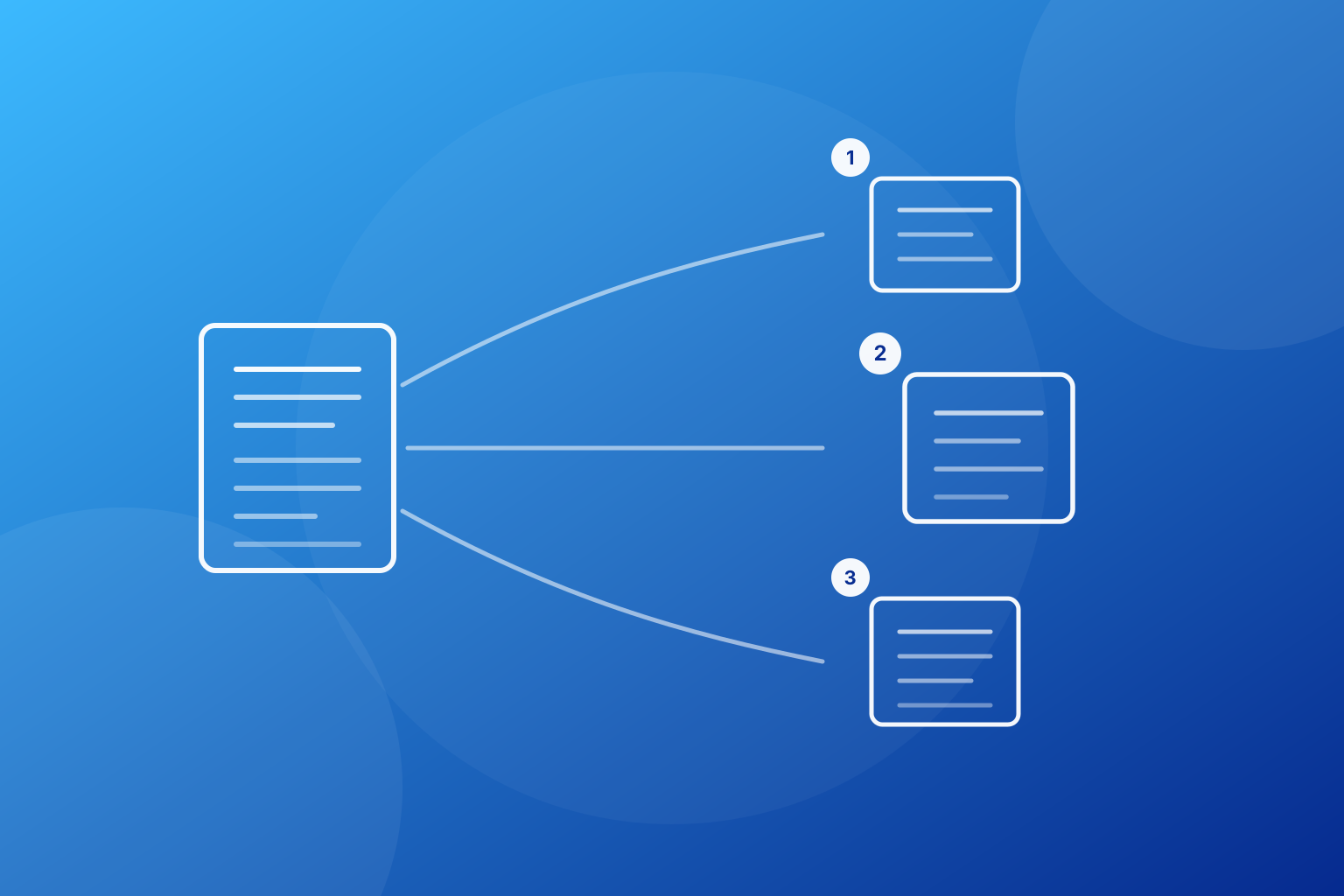
We're not going to pretend we're unbiased here — this is our own product. But we're also not putting it at #1, and that's deliberate: Google Classroom is the platform everything else in a classroom runs on top of, and LessonPilot doesn't try to replace that. What it does is remove the single slowest step in lesson prep — turning a textbook chapter, a PDF, a webpage, or a photographed page into curriculum-aligned questions — and do it in seconds instead of an evening.
The reason it earns #2 rather than a lower spot is that it plugs into everything above and below it rather than competing with it: export straight into Google Classroom, hand out a PDF, or send it home as a Word doc. It's built to fit into a routine that already includes tools like the other four on this list, not to ask teachers to abandon them.
Google Classroom
Google Classroom takes #1 because it's the one tool on this list that almost every other classroom app eventually has to plug into. Assignments, due dates, grades, announcements, and parent communication all live in one place, and for most schools it's free and already switched on before a teacher even goes looking for something better.
It isn't the most exciting tool here, and it doesn't do any single thing spectacularly well — but it doesn't need to. It's infrastructure, not a feature, and infrastructure that a whole school already runs on is worth more than a flashier app that only one classroom uses. Everything else on this list is more fun to use. Nothing else on this list would work as well without this one underneath it.
The throughline across all five: none of them ask teachers to change how they already work. They fit into an existing routine and give minutes back instead of taking them. That's the bar we hold LessonPilot to, too.