
Creating lessons has never been easier.
Turn textbooks, articles, and websites into ready-to-use classroom tasks — or start from our library of 500+ ready-to-use lessons — then edit and share directly through Google Classroom or as booklets.
Or browse 500+ ready-to-use lessons →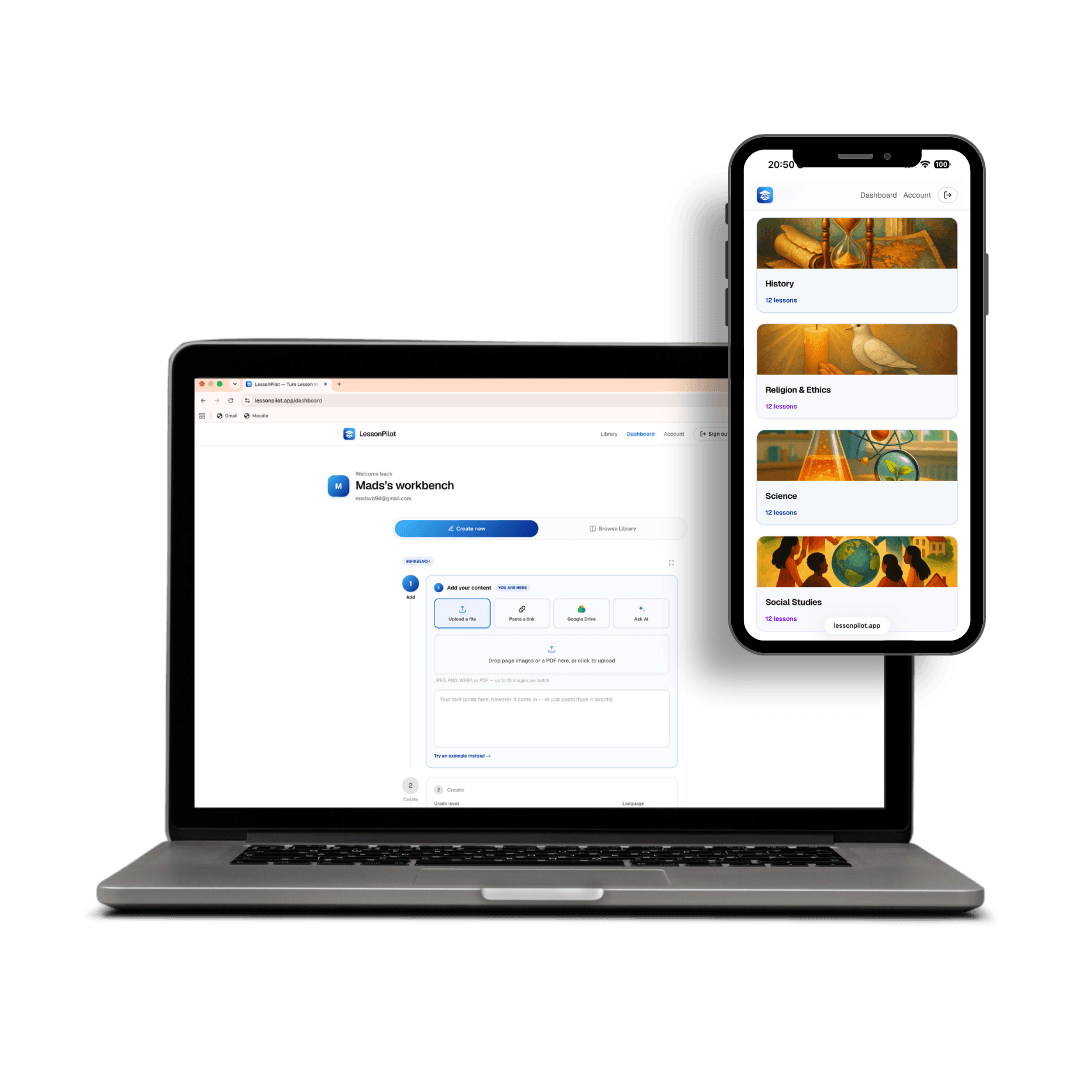
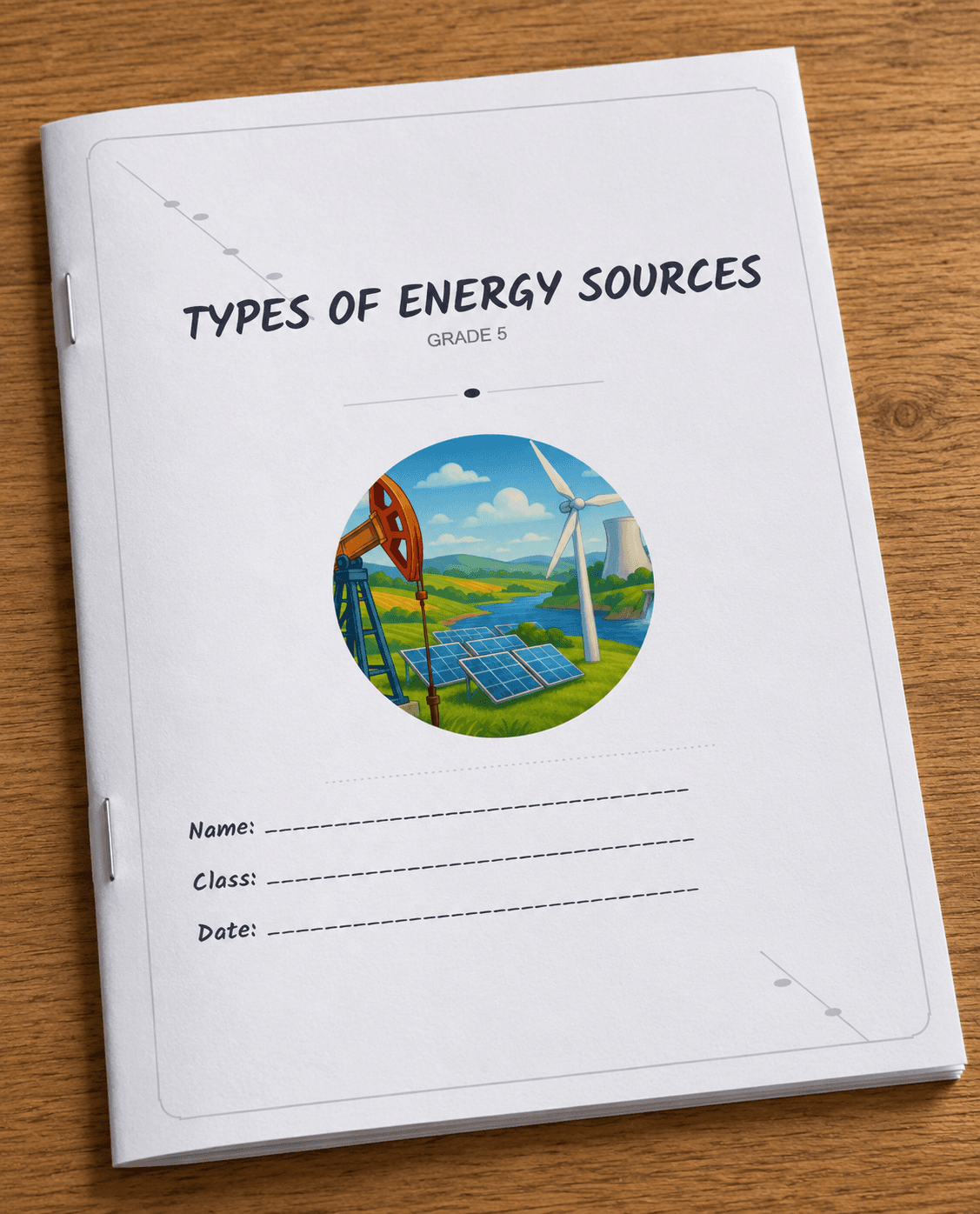
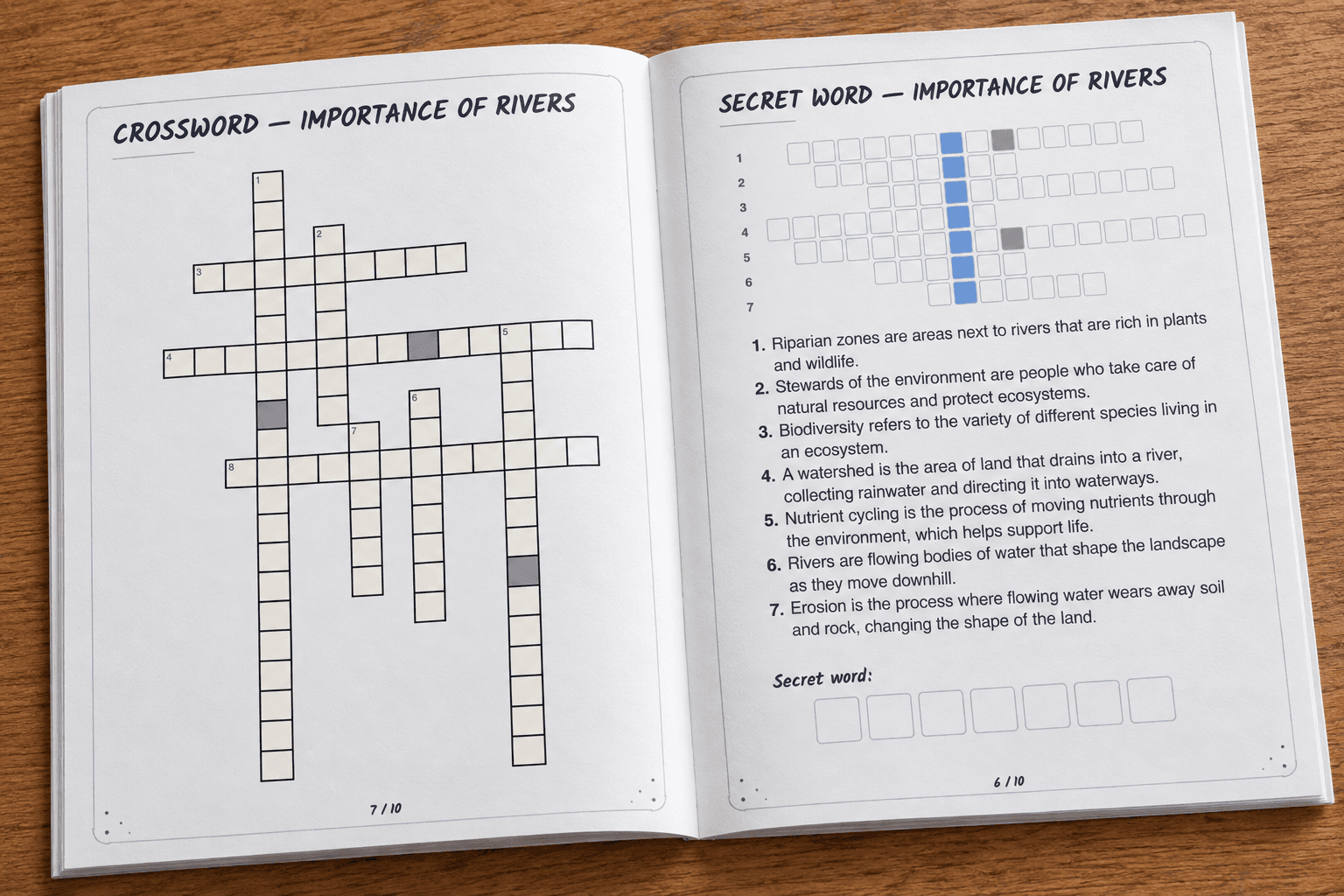
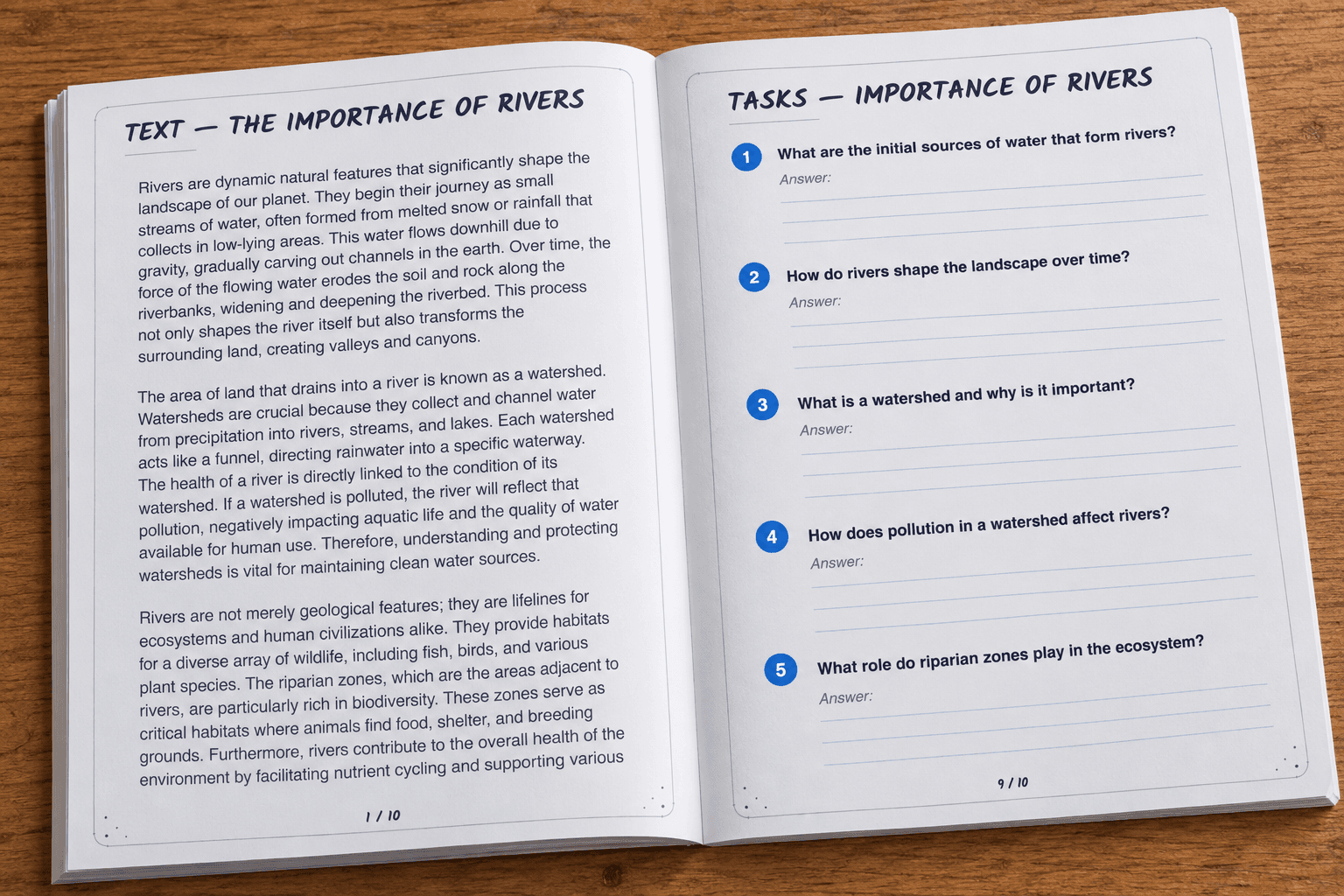
500+ ready to hand out. Or make your own in seconds!
No extra formatting, no extra steps — print it, project it, or send it out the moment it's generated.
Create a booklet
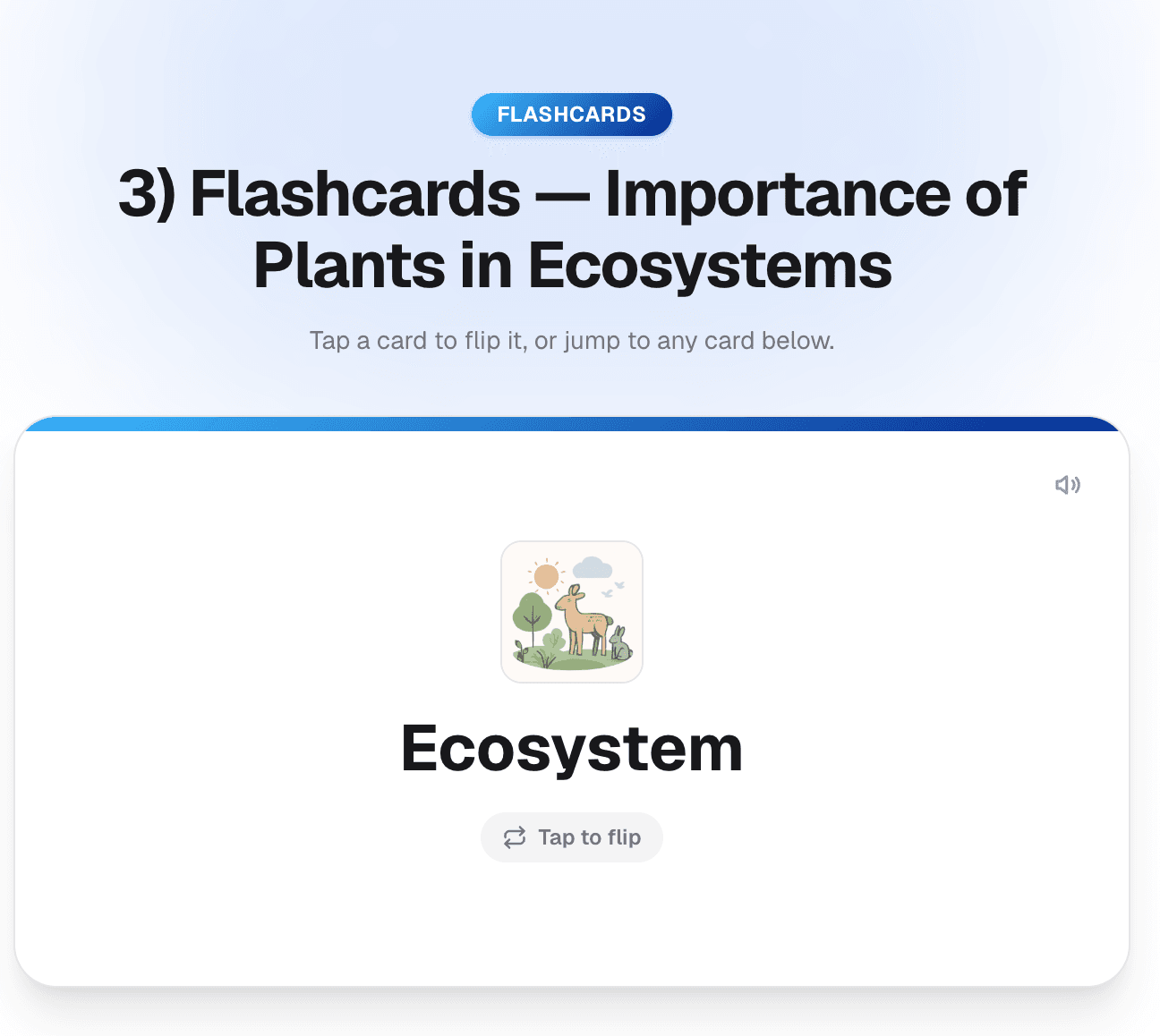
Text, flashcards, secret word, crossword & open-ended tasks — one click into your cart.
Share straight to Google Classroom.
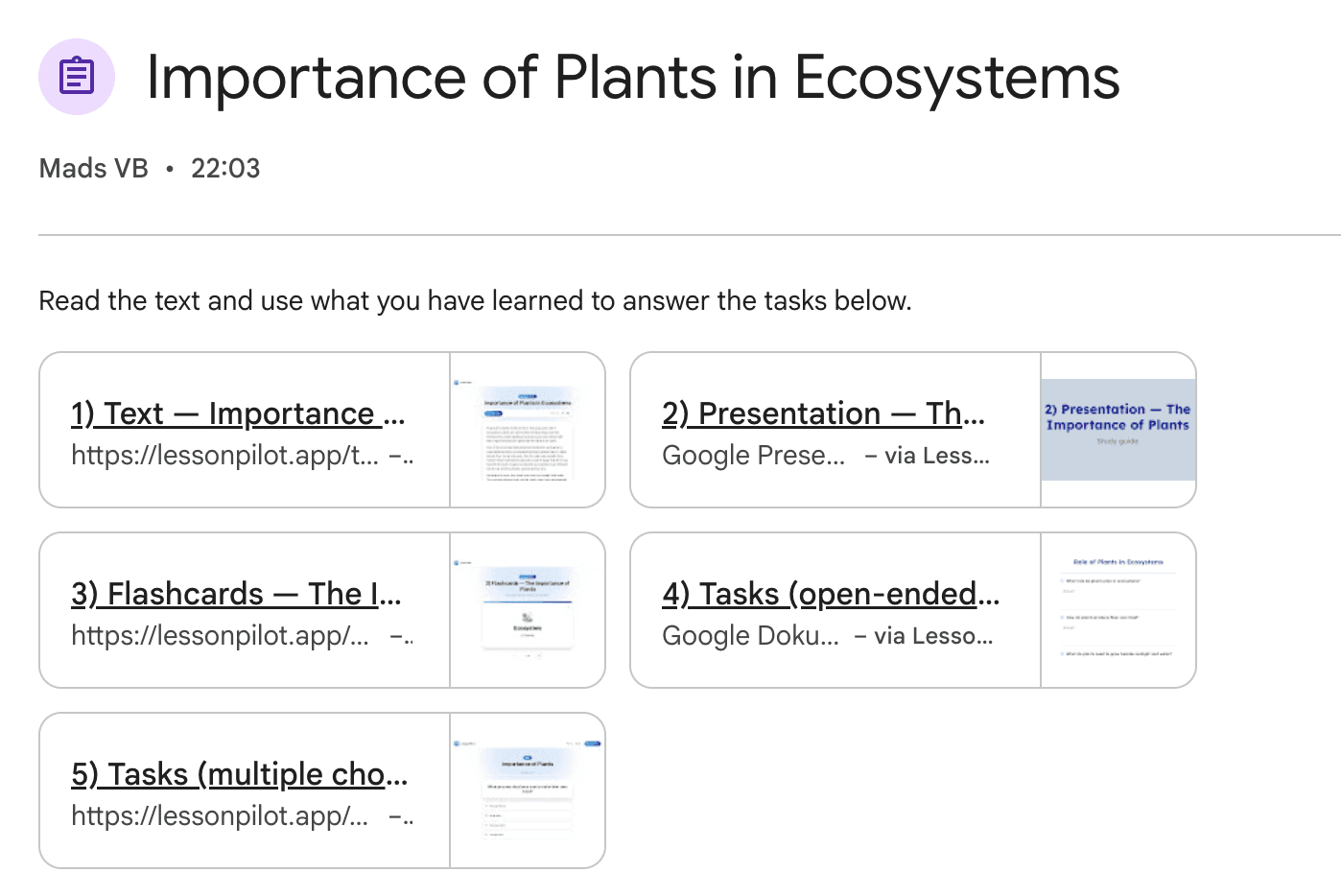
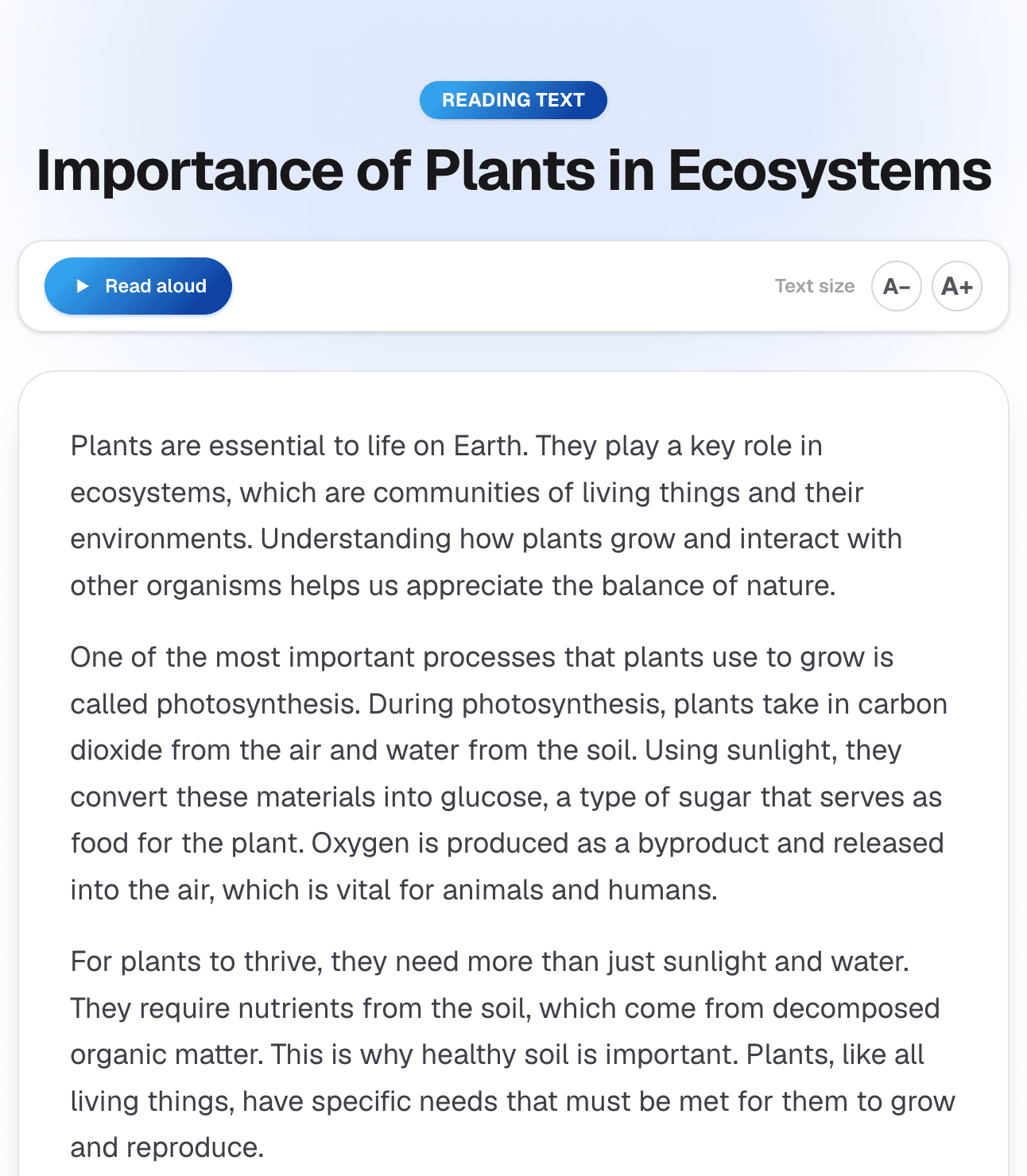
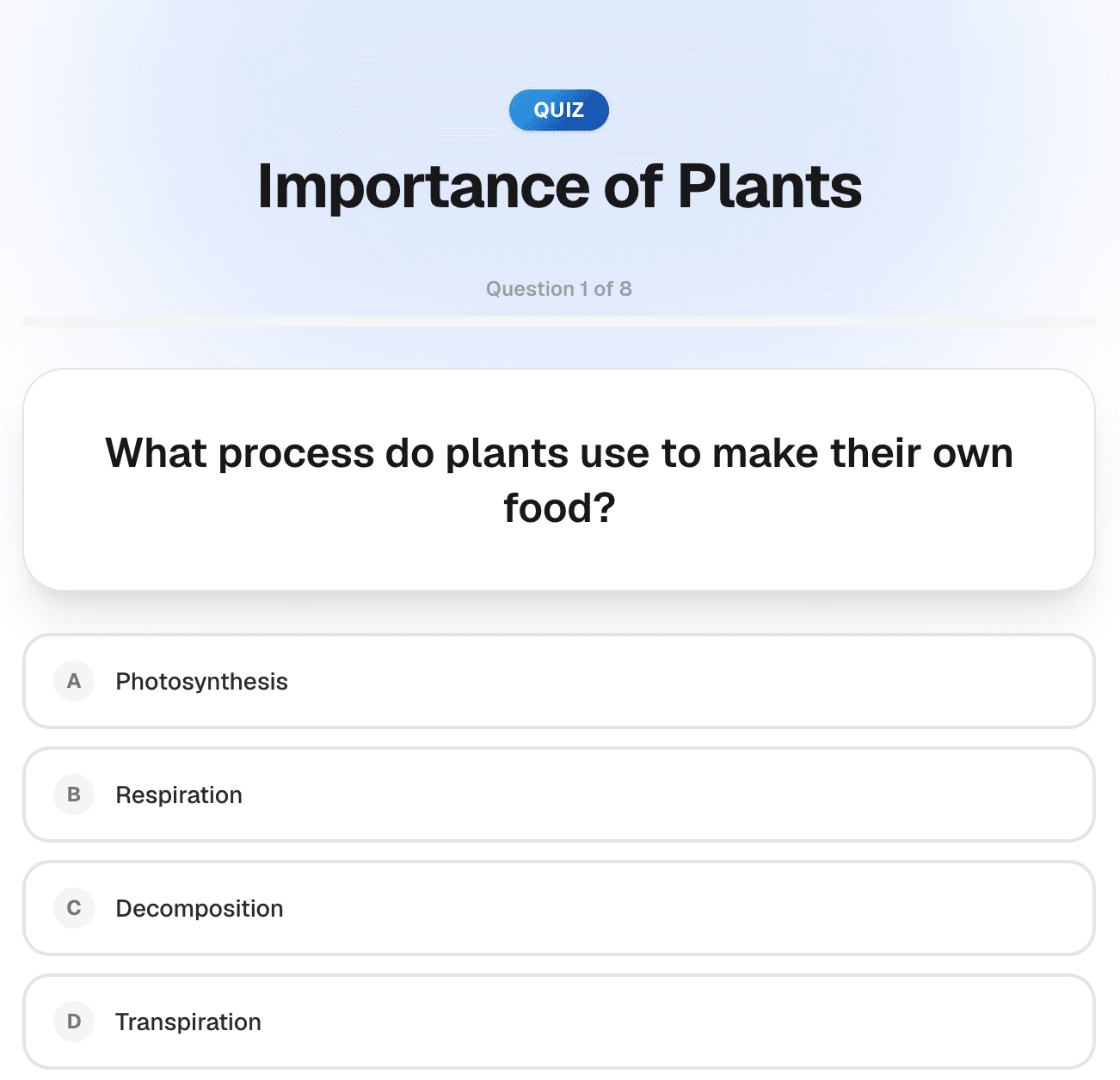
Reading text, a presentation, flashcards, a quiz, and a worksheet — posted as one assignment your students open right in their stream.
Create a Google Classroom lesson
Text, presentation, flashcards & tasks — one click into your cart.
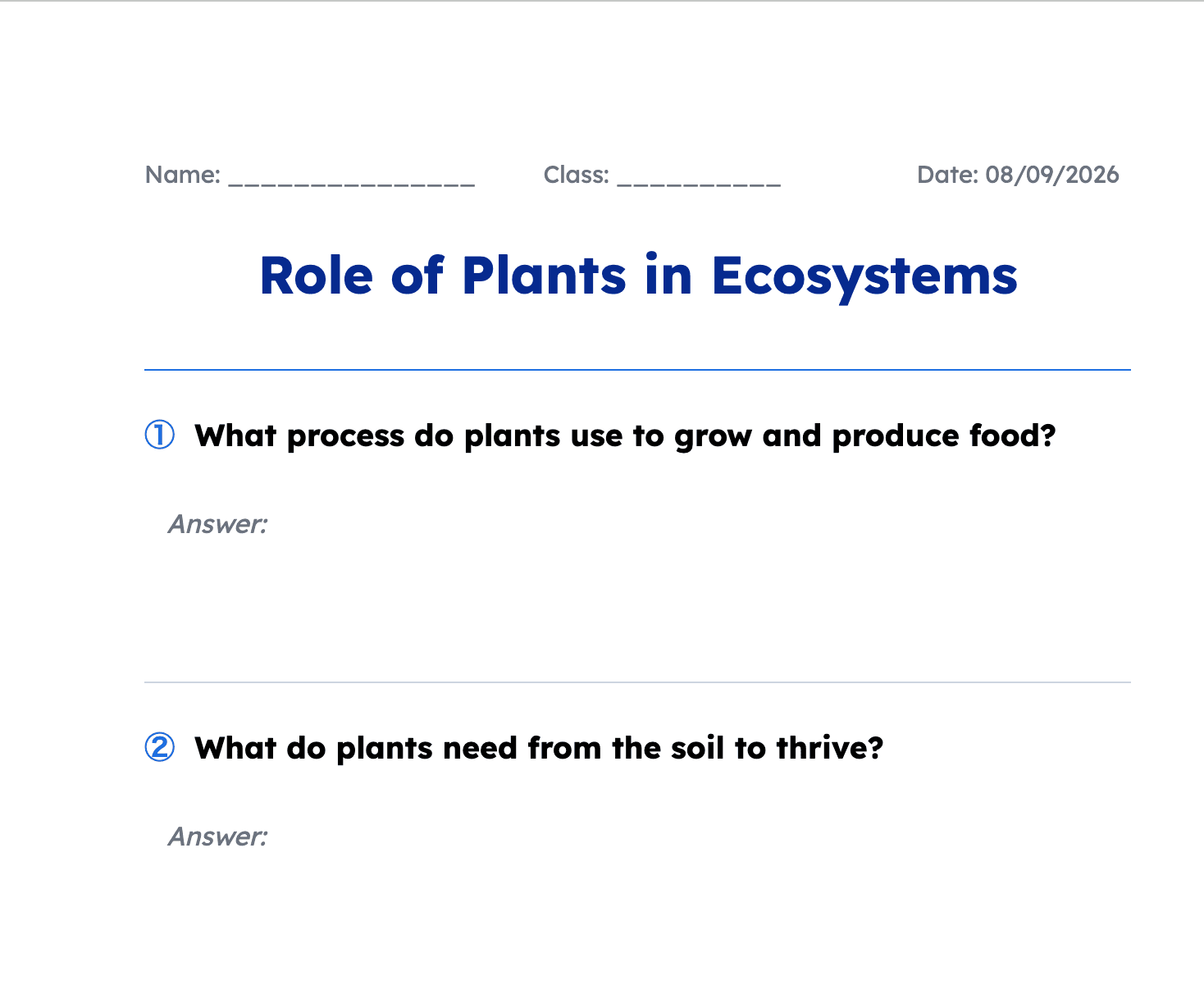
Capture anywhere. Perfect it here.
Each tool is built to be the fastest way to capture material in the moment — a webpage, a textbook page, a PDF. The web dashboard is where it all comes together — then send what you make out as a PDF, Word doc, Google Doc, or a Google Classroom assignment.
One account. Everywhere you teach.
The extension, the mobile app, and the web dashboard all share the same account, plan, and usage — sign in once and pick up right where you left off, on any device.
Chrome Extension
- ⚡Content from any webpage!
- ⚡Turn any article into questions
- ⚡Works right inside your browser tab
Mobile App
- ⚡Use your camera to scan any physical book or paper
- ⚡Add PDFs and Word docs
- ⚡Plan lessons anywhere, even offline
Web Dashboard
- ⚡See it all brought together
- ⚡Customize everything
- ⚡Your teacher workboard
One subscription unlocks all three — no separate plans, no re-entering payment details. Install what you need, when you need it.